Upload Photo
Choose a JPG, PNG or WEBP photo. The image is read by your browser and is not sent to an external image-processing API.

Create common ID photo sizes, crop precisely, generate printable A4 sheets and download locally. Presets are common dimensions; always verify the current requirements of the authority or application.
Bulk upload multiple people's photos, choose each person's size and copy count separately, preview every photo and the mixed-size print sheet, then download photos or print the sheet directly on your device.
Creating passport-size photos is simple, fast and user-friendly with this guided workflow.
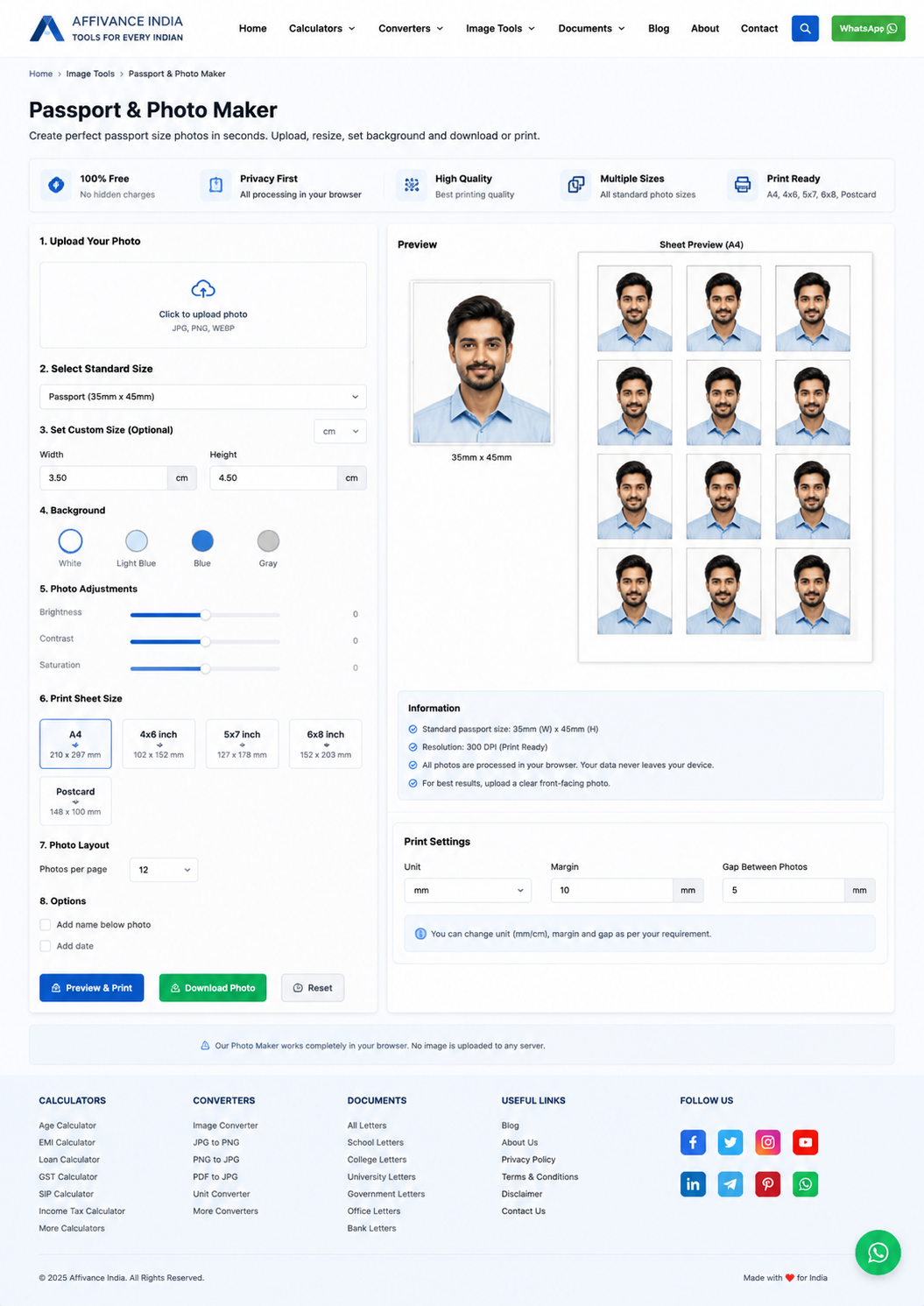
Choose a JPG, PNG or WEBP photo. The image is read by your browser and is not sent to an external image-processing API.
Select a common photo size such as India 3.5×4.5 cm or USA 2×2 inch. Use zoom and the live preview to position the image before generating it.
Choose a supported background color such as white or light blue. Brightness, contrast and saturation controls can be added without uploading the original image. This strict no-API version does not claim AI background removal.
Bulk upload multiple photos, set a different size and number of copies for each person, preview the result, then download individual photos or print a mixed-size sheet. The layout is rendered in your browser.